I started adding citations to my blog posts around 2012 using the Kcite plugin.‡ Rogue Scholar is a service that monitors registered blog sources and adds all sorts of value to the original post, including identifying such citations and creating a list of them.
I show the results for the previous blog[1] here.
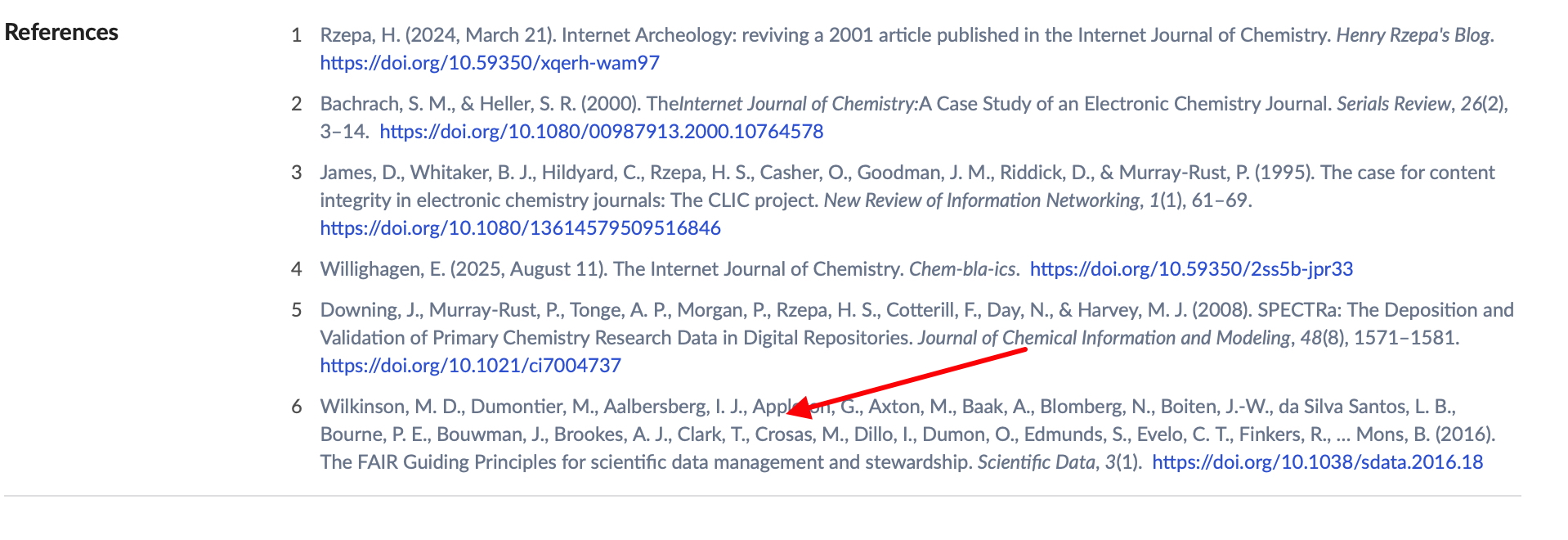
Martin Fenner has just added some interesting new features[2] which I thought would be useful to share with you here.
- If you go to the Rogue Scholar archive of the post and scroll down to the References list, then click on the title of any of the references, you will get a list of all Rogue Scholar posts citing that reference: https://rogue-scholar.org/search?q=doi:10.1038/sdata.2016.18+references:10.1038/sdata.2016.18+citations:10.1038/sdata.2016.18
- If you click on the author name in any of the entries from the previous search, you get a list of all the posts published by that person.
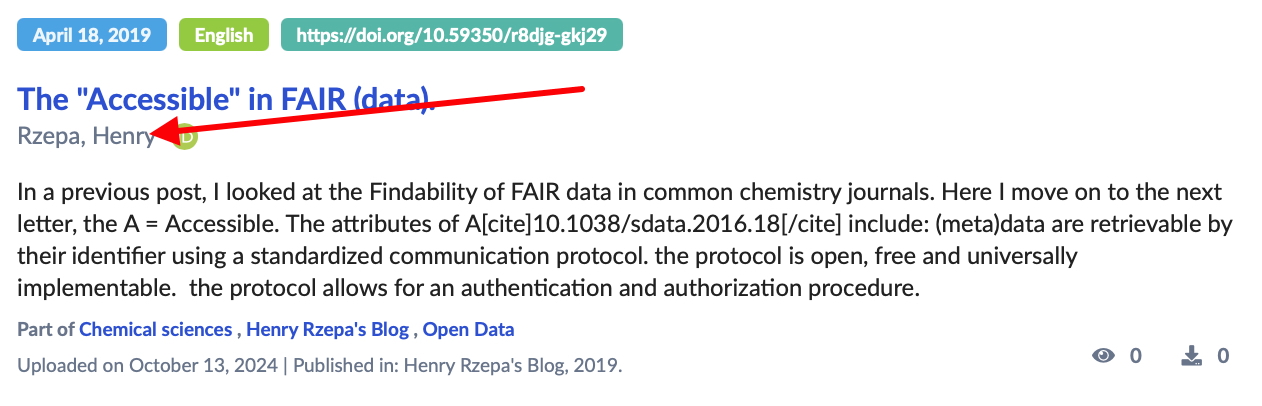 https://rogue-scholar.org/search?q=orcid:0000-0002-8635-8390&sort=newest
I think this idea of adding citations to a blog post can result in a considerably enhanced discovery process – if only you could do this with journals themselves!
‡ This is temporarily not functional due to a php update on the site. I hope to get it working again soon. Update. Thanks to Martin Fenner, the Kcite plugin is working again at version 1.7.11 and upwards.[3]
Author

References
- H. Rzepa, "More on rescuing articles from a now defunct early pioneering example of an Internet journal.", 2025. https://doi.org/10.59350/rzepa.29523
- M. Fenner, "Rogue Scholar links records via ORCID and DOI", 2025. https://doi.org/10.53731/yjq4w-5yr32
- M. Fenner, "Adding references to Wordpress posts: updated kcite plugin", 2025. https://doi.org/10.53731/326tr-95k32